Choose an invoice layout that suits your work. This gallery includes 18 presets and a Customized option for styling your current document. Compare the examples, learn what information to include and open your preferred option in the free invoice generator.
Layout illustration. Edit and preview your actual document in the generator.
Design preset
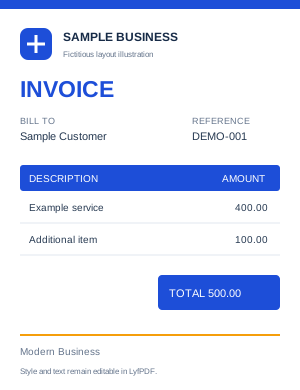
Modern Business
Business invoice template
Create a business invoice with a modern layout for products or services. Add your business logo, customer details, invoice number, payment terms and itemized charges, then review the totals and download your PDF.
A small business invoice template keeps everyday billing consistent. Use this modern invoice template for a business invoice PDF that clearly identifies the work and payment terms.
What should a small business invoice include?
Add your business and customer details, an invoice number, issue date, item descriptions, quantities, rates, applicable taxes, due date and payment instructions. Review which additional fields your transaction requires before sending it.
Layout illustration. Edit and preview your actual document in the generator.
Design preset
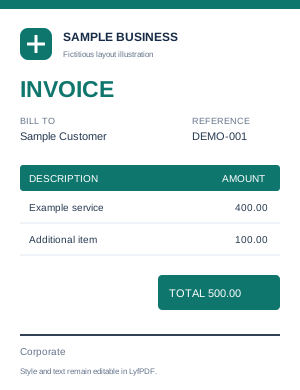
Corporate
Corporate invoice template
Use a corporate invoice template for business-to-business billing. Include company details, a purchase-order reference if your customer provides one, clear line items and payment terms. Customize the colors to suit your company and export a PDF.
Use this company invoice template as a B2B invoice template when a reference and clear payment instructions matter. Review the corporate invoice PDF before sending it to your customer.
Can I add a purchase-order number to a company invoice?
Yes. Enter the customer's PO number in the invoice's PO number field. This adds a reference to an existing purchase order; it does not create a purchase-order document.
Layout illustration. Edit and preview your actual document in the generator.
Design preset
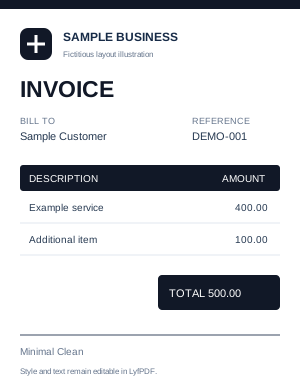
Minimal Clean
Simple invoice template
Choose a simple invoice template with a restrained design for straightforward billing. Keep the focus on your contact details, work or products supplied, amounts and payment terms. Preview the finished invoice before printing or saving it as a PDF.
A minimal invoice template makes dense information easier to scan. Use this clean invoice template as a printable invoice template after checking your page size.
Can I print a simple invoice after editing it?
Yes. Complete the invoice, review its layout, and use Print or Download PDF. Choose the supported paper size that matches your printer settings and check the preview before printing.
Layout illustration. Edit and preview your actual document in the generator.
Design preset
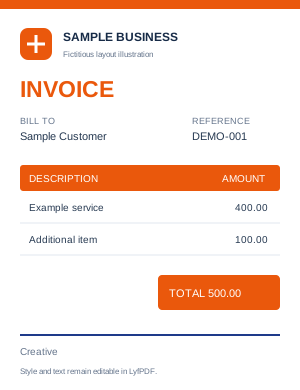
Creative
Creative invoice template
Build a creative invoice for design and other project work. Add a logo, choose brand colors and describe each deliverable clearly. Keep billing information readable while giving the invoice a visual style that fits your business.
A designer invoice template can reflect your portfolio while keeping the total clear. For a graphic design invoice template, describe the deliverables in your branded invoice template rather than relying on a project name alone.
How can I describe design work on an invoice?
Use separate line items for agreed deliverables such as a logo concept, page design or revision package. Add the quantity or hours and the agreed rate, then use the notes area for relevant project details.
Layout illustration. Edit and preview your actual document in the generator.
Design preset
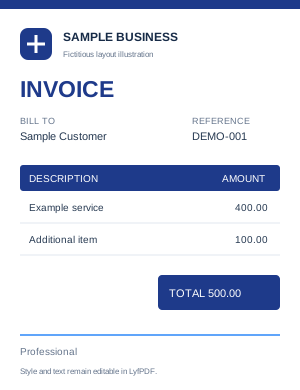
Professional
Professional invoice template
Create a professional invoice with clear business details, an organized item table and an easy-to-find total. Adjust the logo, colors and text in the visual editor, then check the document before downloading or sharing it.
The professional invoice maker keeps the focus on readable billing details. Use the editable invoice template online and review the professional invoice PDF before sharing it.
Can I change the invoice design without re-entering my items?
The current template controls retain your invoice details when changing the design. Review the document type as well: choices such as Receipt, Quotation or Credit Note also change the type of document.
Layout illustration. Edit and preview your actual document in the generator.
Design preset
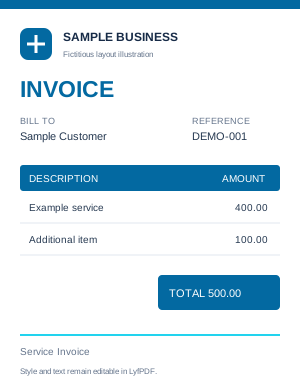
Service Invoice
Service invoice template
Prepare a service invoice that explains what work was provided and how it is billed. Use item descriptions, quantities, units and rates for hourly or fixed-price work, then add payment terms and any applicable tax settings.
This service invoice generator provides a service bill template for clearly described work. An itemized service invoice separates different tasks and rates.
Can I bill services by the hour or by the job?
Yes. For hourly work, enter the hours as the quantity and your hourly rate as the rate. For a fixed-price job, use a quantity of one and describe the work covered by the agreed fee.
Layout illustration. Edit and preview your actual document in the generator.
Design preset
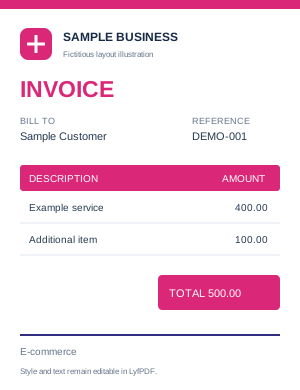
E-commerce
Ecommerce invoice template
Create an invoice for products sold through your online store. Enter product descriptions, quantities, prices and an order reference where useful. Review shipping, discounts and applicable taxes before downloading the PDF for your customer.
Use this e-commerce invoice template to prepare an online store invoice manually. The product invoice template presents item quantities and prices; it does not import store orders automatically.
Does the ecommerce template import orders from my store?
No store connection is included in this tool. Enter the details yourself or use the supported CSV item import. The template helps format an invoice; it does not sync orders, stock or payments with a shop platform.
Layout illustration. Edit and preview your actual document in the generator.
Design preset
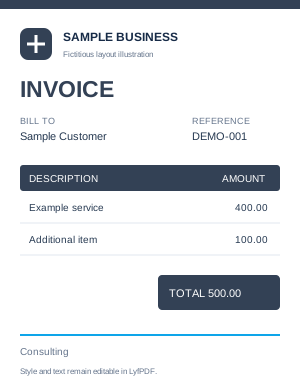
Consulting
Consulting invoice template
Use a consulting invoice template to explain your services, hours or agreed project fees. List the work in clear line items, add the billing period in the description or notes, and specify the due date and payment instructions.
A consultant invoice template helps explain each consulting services invoice. For an hourly consulting invoice, enter the verified hours and agreed rate.
How do I show consulting hours and rates?
Create a line for each service or work period. Enter hours in Quantity, add an hour unit if useful, and enter your agreed hourly rate. Describe fixed-fee work separately so your client can understand the total.
Layout illustration. Edit and preview your actual document in the generator.
Design preset
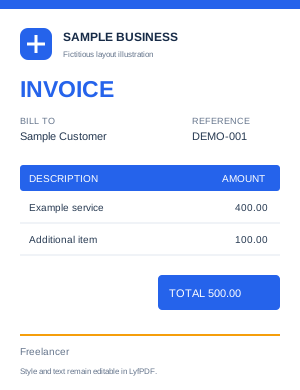
Freelancer
Freelance invoice template
Make a freelance invoice for completed work or an agreed billing milestone. Add your name or business identity, the client's details, a clear description of the work and payment terms. Save a project copy to reuse your setup later.
The freelancer invoice generator can serve as a self employed invoice template for independent work. Review the freelance invoice PDF and update all details when reusing a project.
Can I reuse a freelance invoice for the next project?
Yes. Save the invoice project as a JSON file and reopen it later. Update the customer, invoice number, dates, services and amounts before creating the next PDF. Reusing a project does not schedule invoices automatically.
Layout illustration. Edit and preview your actual document in the generator.
Design preset
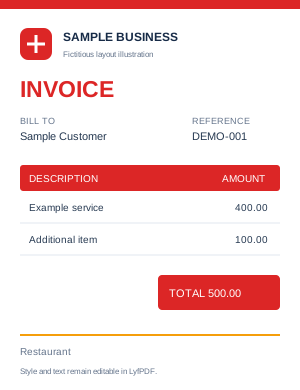
Restaurant
Restaurant invoice template
Prepare a restaurant or catering invoice using itemized descriptions for food, services or an event order. Add quantities, rates and the relevant payment details, then review the totals. Use Receipt as the document type when recording a payment actually received.
Use this restaurant bill template for manually entered charges. The food bill generator can also format a catering invoice template for an agreed event or service.
Can I use the restaurant layout for catering?
You can describe a catering order with separate items for food and agreed services, and include the event reference in notes. Review the document type and amounts. This browser tool is not a restaurant POS or kitchen-order system.
Layout illustration. Edit and preview your actual document in the generator.
Design preset
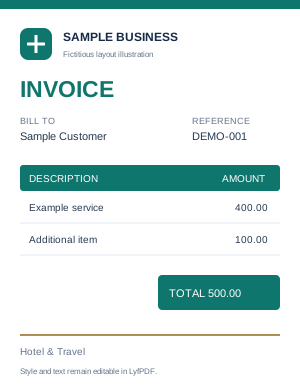
Hotel & Travel
Hotel invoice template
Create an invoice for accommodation or travel services using clearly described line items. Include the stay or service dates in the description or notes, list the agreed charges and add customer details before reviewing the PDF.
A hotel bill template can list accommodation charges, while an accommodation invoice template should clearly identify the stay period. For a travel agency invoice template, describe the services and booking reference in the available fields.
Where can I enter hotel stay dates?
Add the stay dates and booking reference in the line description or notes. The current editor does not calculate nights from a check-in/check-out calendar, so enter the correct quantity and rate yourself.
Layout illustration. Edit and preview your actual document in the generator.
Design preset
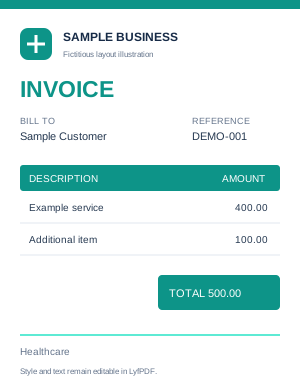
Healthcare
Medical invoice template
Prepare an itemized healthcare service invoice with your provider details, customer details and charges. Keep descriptions appropriate for the billing purpose and review the document before sharing it. The layout is a general document template, not a clinical record system.
This healthcare invoice template can be used as a clinic invoice template for ordinary billing. Keep a medical services invoice focused on the information needed by the payer.
Is this template an insurance claim form?
No. It creates a general invoice document. It is not an insurer-specific claim form and does not certify HIPAA or other healthcare compliance. Include only the information needed for your billing purpose.
Layout illustration. Edit and preview your actual document in the generator.
Design preset
Education
Education invoice template
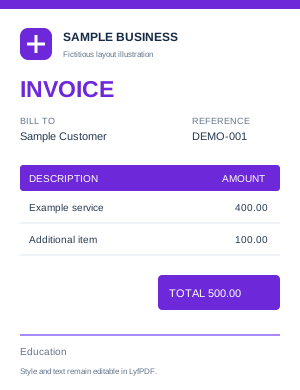
Use an education invoice template for tuition, tutoring or agreed course charges. Describe the service and billing period clearly, add the payer's details and enter the correct amounts. Choose Receipt only when documenting a payment that has been received.
An education invoice template can describe tuition or course charges. Use a tuition invoice template, tutoring invoice template or school fee invoice template with a clear billing period and the correct payer details.
Can I create a tuition payment receipt?
Select Receipt as the document type and enter the actual payment details. Describe the tuition or course period clearly and verify the amount received. This does not connect to a school's payment or student-record system.
Layout illustration. Edit and preview your actual document in the generator.
Design preset
Retail Invoice
Retail invoice template
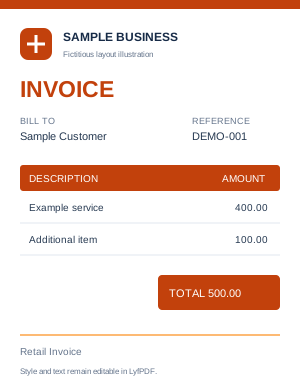
Create an itemized retail invoice with product descriptions, quantities and rates. Add your shop details and any required customer or tax information, then review discounts, shipping and the balance before downloading the PDF.
This sales invoice template works as a retail bill generator for manually entered product sales. An itemized sales invoice makes quantities and rates clear to the customer.
Can I create an invoice for several retail products?
Yes. Add a separate line for each product or import supported item rows from CSV. Review the quantities and prices before exporting. The invoice editor does not update inventory or operate a cash register.
Layout illustration. Edit and preview your actual document in the generator.
Document type
Proforma Invoice
Proforma invoice generator
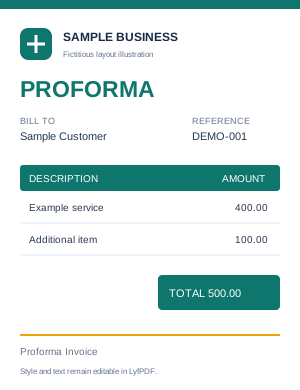
Prepare a proforma invoice to present proposed items, quantities and prices before the final invoice. Review the customer details, currency and terms, and clearly identify the document as Proforma Invoice before downloading the PDF.
Use the proforma invoice template to present proposed charges. A pro forma invoice template should be clearly titled so the recipient understands the purpose of the proforma invoice PDF.
Is a proforma invoice a receipt or final tax invoice?
No. A proforma document communicates proposed transaction details; it does not confirm payment or automatically satisfy final tax-invoice requirements. Choose the appropriate document type for the actual stage of your transaction.
Layout illustration. Edit and preview your actual document in the generator.
Document type
Quotation
Quotation generator
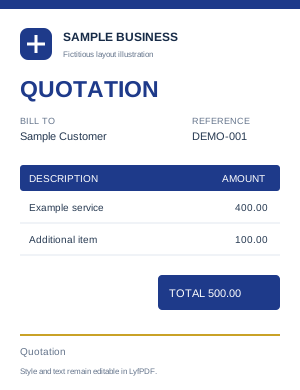
Create a quotation with proposed services or products, itemized prices and terms. Use the Quotation document type, check the validity date and share the PDF for review. For an estimate, choose Estimate in the document-type settings.
This free quote generator uses an editable quotation template. If you need an estimate template PDF, select Estimate in the document-type settings and review the wording before exporting.
Can I create both a quotation and an estimate?
Yes. The document-type settings include Quotation and Estimate. Choose the appropriate type, review its title and dates, then add the proposed work and prices. The tool does not provide quote acceptance or automatic conversion workflows.
Layout illustration. Edit and preview your actual document in the generator.
Document type
Receipt
Receipt generator
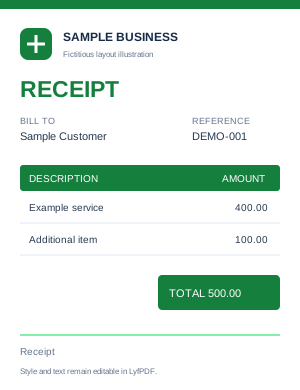
Create a payment receipt for a real payment received. Add the payer, relevant items, payment details and date, and check that the received amount is correct. Download a PDF copy for your records or to share with the payer.
Use the payment receipt template in the receipt maker online to record actual payments. A paid invoice receipt should reflect your records; the tool does not confirm that money changed hands.
What is the difference between an invoice and a receipt?
An invoice sets out an amount requested for goods or services. A receipt records a payment received. Choose the matching document type and enter the actual amounts; selecting Receipt does not verify a bank or card transaction.
Layout illustration. Edit and preview your actual document in the generator.
Document type
Credit Note
Credit note template
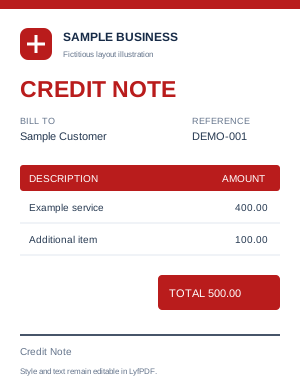
Prepare a credit note that identifies the customer, the related invoice and the reason for the adjustment. Describe the credited items and review the credit amount before exporting. Follow the numbering and tax requirements that apply to your transaction.
The credit note generator also serves users looking for a credit memo template. Review the credit note PDF and reference the original invoice before sharing it.
Does creating a credit note issue a refund?
No. The Credit Note option prepares a document. Reference the original invoice and record the adjustment accurately; any refund, account update or accounting entry must be handled in the system or payment method you use.
Layout illustration. Edit and preview your actual document in the generator.
Customization
Customized
Custom invoice template
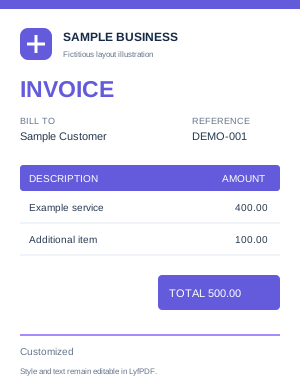
Customize your invoice's colors, fonts, logo and editable content in the visual editor. The Customized option opens the style controls and keeps the existing invoice data. Save a project copy when you want to continue editing or reuse the setup.
Use the customizable invoice template to create an invoice template with logo and your chosen styling. The editable invoice maker keeps your existing content while you adjust the presentation.
Is Customized a separate ready-made template?
Customized is the gallery's entry into the style controls. It lets you personalize the current document rather than loading another independent preset. The gallery contains 18 preset choices plus this customization option.
The 18 presets use six base design families: Modern, Professional, Minimal, Creative, Corporate and Elegant. Many options share the same item fields and differ in styling. Customized opens the style controls for your current document.
Receipt, Quotation, Proforma Invoice and Credit Note set a specific document type. Other style choices keep the current type inside the editor. When opening a template from this page, review the document type shown before continuing.
Download, print or reuse your invoice template
Edit your details online and download the invoice as PDF, or print on A4, US Letter or Legal. Save an editable JSON project to reuse your setup. CSV is for line-item data, not a native Word or Excel invoice layout. For the complete workflow, read how to customize and save an invoice template.