What is a PDF? The beginner's guide
Everything a beginner needs — what PDF means, why it took over the world, and how to actually work with one, step by step.

What is a PDF, in one paragraph?
PDF stands for Portable Document Format — a file type invented by Adobe in 1993 and now an open standard (ISO 32000). Its superpower is simple: a PDF looks exactly the same on every device — every font, margin and image stays put, whether it's opened on a phone in Panvel or printed in Paris. That reliability is why resumes, invoices, contracts, tickets, government forms and ebooks all travel as PDFs.
Why did PDF beat every other format?
- Fixed layout: unlike Word files, a PDF can't reflow or break when opened elsewhere — what you send is what they see.
- Universal: every browser, phone and OS opens PDFs natively; no special software needed.
- Self-contained: fonts and images are embedded inside the file itself.
- Print-perfect: a PDF prints exactly as displayed, which offices and printers rely on.
- Open standard: since 2008 it belongs to the world (ISO 32000), not one company.
How do I open a PDF?
Just double-click it — Chrome, Edge, Firefox, Safari and every phone open PDFs out of the box. You only need extra software when you want to change a PDF — and even then, free browser tools now do the job without installing anything.
How to work with a PDF — the beginner's how-to
These are the seven everyday tasks. Each takes under a minute with a free in-browser tool (nothing installs, nothing uploads):
- Edit or fill: add text, tick boxes, white-out mistakes — open the PDF editor, click where you want to type.
- Sign: type or draw your signature and place it — the Sign tool flattens it permanently.
- Merge: combine several PDFs into one — Merge PDF, arrange the order, download.
- Split or delete pages: keep only what you need — Split a range or delete pages visually.
- Compress: shrink a file under an email or portal limit — Compress PDF shows the exact size saved.
- Convert: photos to PDF, PDF to editable Word, Word to PDF, pages to images.
- Read a scan: a scanned PDF is a photo of text — OCR turns it back into real, editable text.
What is the difference between PDF and JPG or Word?
| Situation | Best format | Why |
|---|---|---|
| Sending a resume, invoice or contract | Layout locked; looks professional everywhere | |
| A document someone else must edit | Word (.docx) | Editable by design; convert to PDF when final |
| Sharing one page in a chat or post | JPG | Chats and social apps preview images instantly |
| Multi-page scans, forms, ebooks | Many pages in one reliable, printable file |
Switching between them is one click: PDF → Word, Word → PDF, PDF → JPG, JPG → PDF.
Beginner's PDF checklist
- ✅ Final documents go out as PDF, drafts stay as Word.
- ✅ Check the file size before emailing — over ~10 MB, compress it.
- ✅ Photographing a document? Shoot straight-on in good light, then convert to PDF.
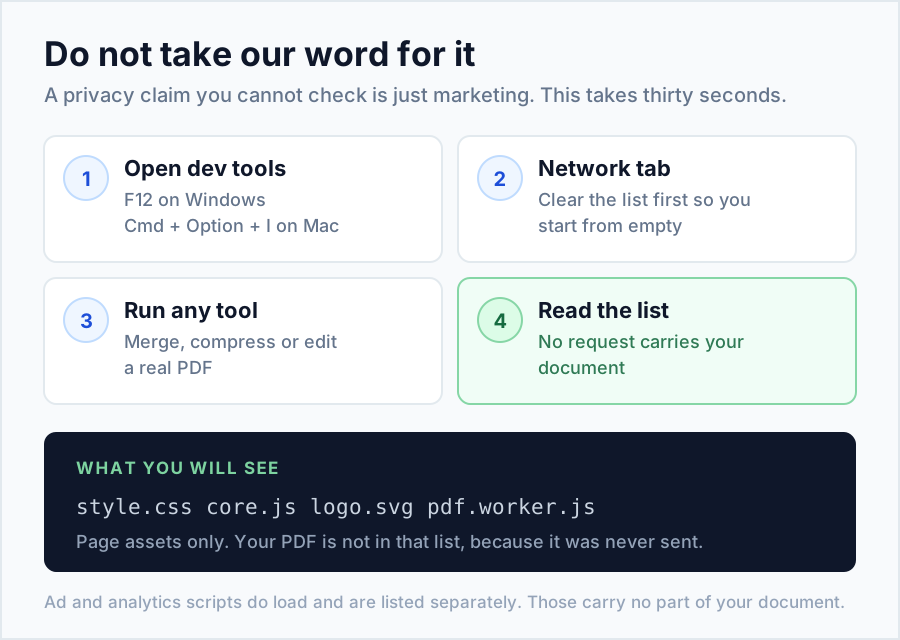
- ✅ Never upload private documents to random converter sites — use tools that process on your device.
- ✅ Keep your original file; always download edited copies under a new name.
- ✅ Scanned PDF acting "un-selectable"? That's normal — run OCR to get the text.
Frequently asked beginner questions
Is PDF free to use?
Yes — opening PDFs is free everywhere, and complete toolkits like LyfPDF let you edit, merge, compress and convert free with no account.
Can a PDF be edited at all?
Yes. Text-based PDFs can be annotated, filled and signed directly; for full re-writing, convert to Word, edit, and convert back.
Why can't I select text in my PDF?
It's a scan — an image of text. OCR software reads the image and gives you real text.
Are PDFs safe to open?
Generally yes in modern browsers, which open PDFs in a sandbox. Be cautious with unexpected attachments, as with any file type.
What does "flatten" mean?
Merging annotations (text, signatures) into the page itself so they display identically in every reader and can't be moved.
Next steps: step-by-step guide for every tool · the best free PDF tools in 2026 · full FAQ